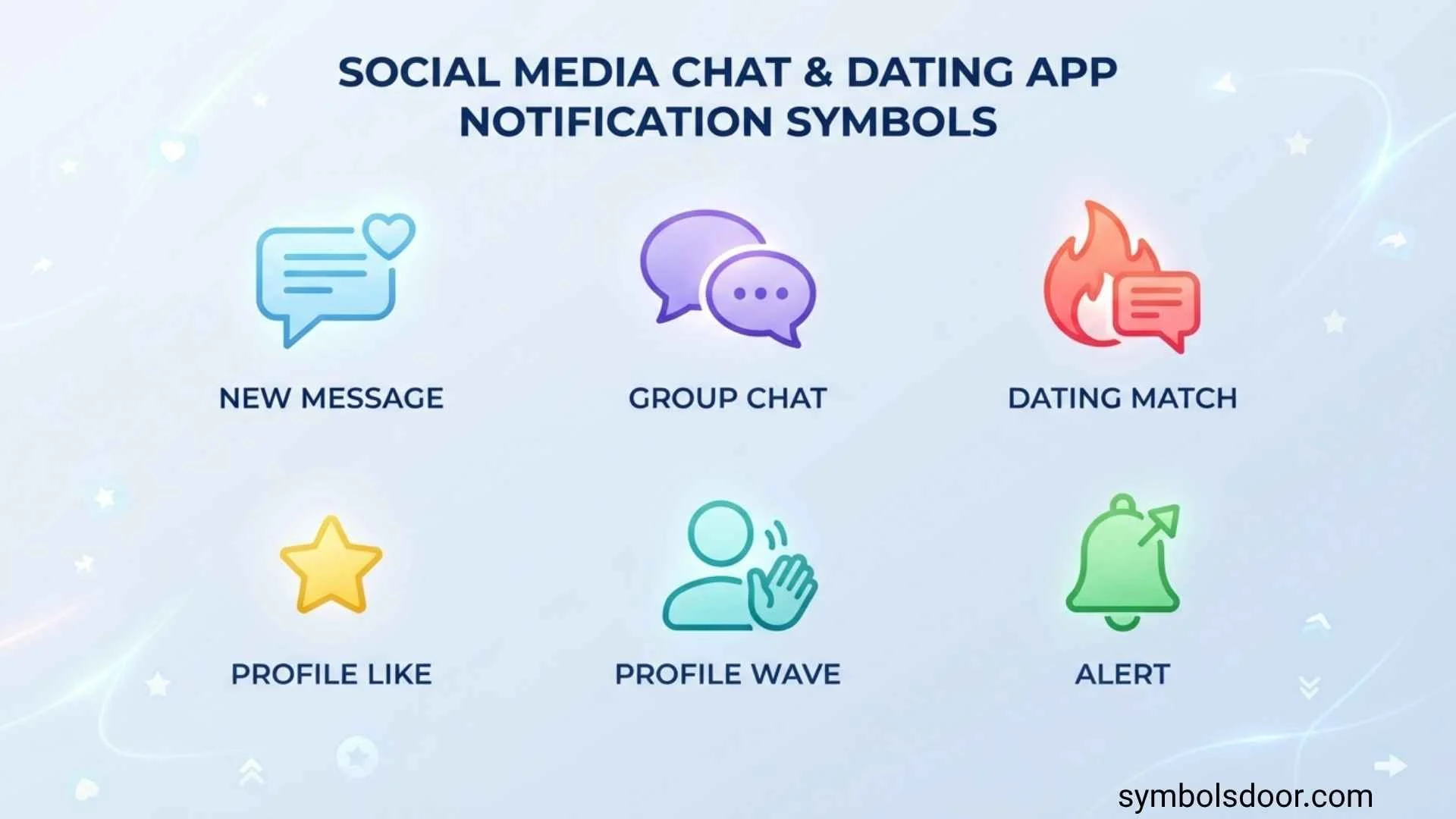
Social media, chat, and dating apps use dozens of small icons, dots, badges, hearts, stars, check marks, and other symbols to communicate what is happening on your account. These social media chat dating app notification symbols can tell you that you received a message, someone liked your profile, a notification is unread, a message was delivered, or a match has occurred.
The problem is that notification symbols are not universal. A heart may mean a like on one app and a favorite on another. A check mark may mean that a message was sent, delivered, or read depending on the platform. Likewise, a green dot can indicate activity on some apps but may represent something completely different elsewhere.
This guide explains the most common social media, chat, and dating app notification symbols, including hearts, stars, bells, dots, check marks, message bubbles, badges, active indicators, and match icons. It also explains the difference between sent, delivered, read, and seen messages so you can understand what an unfamiliar icon is telling you.
Quick Guide to Social Media, Chat, and Dating App Symbols
If you only need a quick answer, the table below covers some of the most common notification symbols.
| Symbol | Common Meaning | Where You May See It |
| 🔔 Bell | New notifications or account activity | Social media |
| 💬 Message bubble | Chat or direct messages | Social and dating apps |
| ❤️ Heart | Like, favorite, reaction, or interest | Social and dating apps |
| ⭐ Star | Favorite, special interaction, or premium feature | Dating apps |
| ✓ Check mark | Sent, completed, or another status | Chat apps |
| ✓✓ Double check | Delivered or read, depending on the app | Messaging apps |
| 🔴 Red dot | New or unread activity | Social and dating apps |
| 🟢 Green dot | Active or online status on some apps | Social and chat apps |
| 🔵 Blue dot | Unread activity or a feature indicator on some platforms | Social and chat apps |
| @ Mention | Someone mentioned your account | Social media and chats |
| 👤 Person | Profile, follower, friend, or connection activity | Social media |
| 🎥 Video camera | Video call or video feature | Chat and dating apps |
| 📷 Camera | Photo or camera function | Chat and dating apps |
| 🔒 Lock | Privacy, security, or protected conversation | Messaging apps |
| 🔥 Flame | Popularity, activity, or a special dating feature | Dating apps |
| ⚡ Lightning bolt | Special interaction, boost, or priority feature | Dating apps |
| 🔢 Number badge | Number of unread or pending notifications | Most app types |
These are general meanings, not universal rules. The same symbol can have a different function depending on the application.
What Are Social Media Chat Dating App Notification Symbols?
Notification symbols are visual indicators that allow an app to communicate information quickly. Instead of displaying a complete sentence every time something happens, an application can use an icon, color, dot, or number.
Notification Symbols vs Status Symbols
It is useful to distinguish between a notification symbol and a status symbol.
A notification symbol usually tells you that something happened or needs your attention. For example, a red dot might indicate an unread message.
A status symbol describes the current state of something. For example, a check mark might indicate that a message was delivered.
Some icons can perform both functions depending on where they appear.
Why Symbol Meanings Vary Between Apps
There is no single universal dictionary for social media and dating app icons.
Developers choose their own designs and meanings. An icon may also change after an app update.
For example, a star could represent a favorite on one platform, while another dating service could use it for a premium interaction.
Always consider:
- The app you are using
- Where the symbol appears
- Its color
- Whether it appears beside a message or profile
- Any text shown alongside it
- Whether you recently received an interaction
Social Media Notification Symbols and Their Meanings
Social media platforms use notification icons to show likes, comments, followers, mentions, messages, and other account activity.
Bell Notification Symbol
The bell icon is one of the most common social media notification symbols.
It generally opens a notification center where you can see activities such as:
- New likes
- Comments
- Replies
- Followers
- Friend requests
- Mentions
- Shares
- Account alerts
A small dot or number beside the bell usually indicates that there is new activity to review.
Heart Symbol
A heart commonly represents a positive interaction.
Depending on the platform, it can mean:
- Someone liked your post
- Someone reacted to your content
- A profile was added to favorites
- Someone expressed interest
- A piece of content received a favorite
The heart is particularly common on social networks and dating services.
Person or User Symbol
A person-shaped icon generally relates to accounts and connections.
It may indicate:
- A new follower
- A friend request
- Profile activity
- A list of followers
- Suggested connections
- People you follow
The exact meaning depends on where the icon appears.
@ Mention Symbol
The @ symbol commonly indicates a mention.
You may receive a mention notification when someone includes your username in:
- A post
- Comment
- Story
- Group conversation
- Chat
- Reply
Mentions are different from ordinary notifications because they usually involve a direct reference to your account.
Share or Arrow Symbol
An arrow or share symbol generally relates to sharing content.
It may allow you to:
- Share a post
- Forward content
- Send something to another user
- Copy or distribute a link
Some platforms also use arrows to indicate replies or message forwarding.
Chat Notification Symbols and Message Status Icons
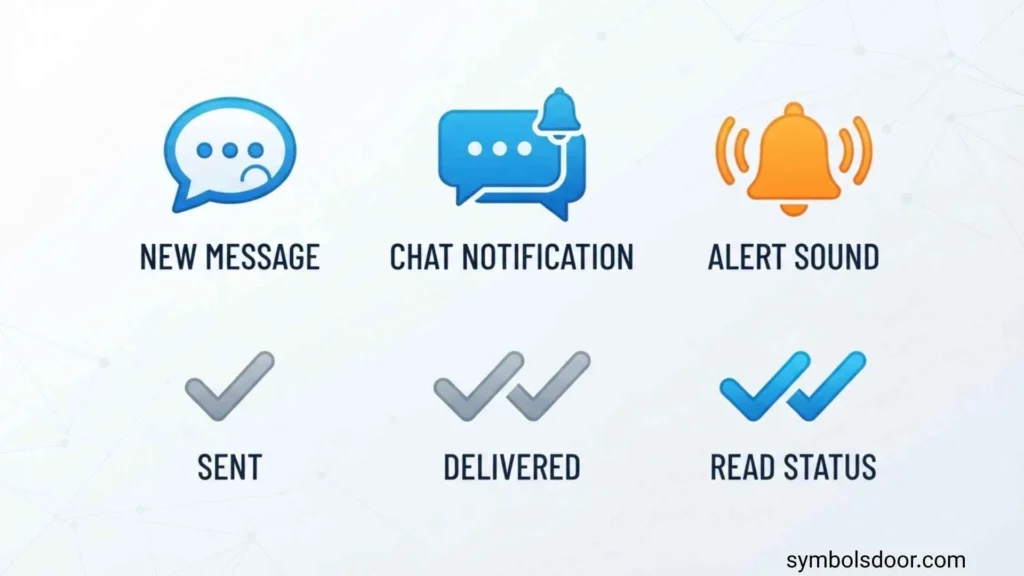
Chat applications use symbols to communicate the progress of a message.
Sent Message Symbol
A sent indicator usually means the message has successfully been submitted by your device or account.
However, a sent message does not necessarily mean that the other person has received or opened it.
Delivered Message Symbol
A delivered indicator generally means the message has reached the recipient’s device or account.
The person may still have not opened the conversation.
This distinction is important because delivered does not always mean read.
Read or Seen Symbol
A read or seen indicator generally means the recipient has opened or viewed the message according to the application’s system.
Some platforms display:
- A colored check mark
- A profile picture
- The word “Seen”
- A timestamp
- Another visual indicator
Read receipts may also be disabled by privacy settings on some platforms.
Double Check Marks
Double check marks are commonly associated with message delivery or reading.
However, their meaning is platform-specific.
On one service, two checks may mean delivered. On another, a change in color or appearance may indicate that the message has been read.
Therefore, never assume that every double check means exactly the same thing across different messaging apps.
Three Dots or Typing Indicator
Three animated dots usually indicate that another person is typing.
The indicator may disappear if the person:
- Stops typing
- Sends the message
- Leaves the conversation
- Loses connection
- Closes the chat
Typing indicators are temporary and should not be interpreted as a permanent activity status.
Dating App Notification Symbols and Their Meanings
Dating applications use familiar notification symbols but also introduce icons related specifically to attraction, matching, profiles, and special interactions.
Heart on a Dating App
A heart is commonly associated with liking another person’s profile.
Depending on the app, it can mean:
- Like
- Interest
- Favorite
- Romantic approval
- Positive profile interaction
A heart alone does not necessarily mean that a match has occurred. On many dating services, a match requires mutual interest.
Match Symbol
A match notification usually means that two users have mutually expressed interest.
A match may be represented by:
- Two hearts
- A special badge
- A celebration screen
- A notification
- A distinctive dating icon
After matching, the application may allow both users to start a conversation.
Star Symbol
Stars have different meanings across dating platforms.
A star may represent:
- Favorite
- Special like
- Priority interaction
- Premium feature
- Highlighted profile
- Recommended user
If the feature requires a subscription or paid credits, the star may be connected to a premium interaction rather than an ordinary like.
Flame Symbol
A flame is frequently associated with popularity, attraction, activity, or a dating feature.
Its exact meaning depends on the application.
A flame does not automatically mean that someone has sent you a message or liked you.
Lightning Bolt Symbol
A lightning bolt can indicate a special or accelerated feature.
Dating applications may use this type of symbol for features such as:
- Profile boosts
- Priority exposure
- Special interactions
- Increased visibility
Because premium features differ between apps, check the application’s own explanation before assuming what the icon means.
New Match Notification
A new match notification is generally more significant than an ordinary app notification because it indicates that another user has mutually connected with you.
The app may display a heart, star, match badge, or custom animation.
New Message Notification
A message bubble, number badge, or colored dot may indicate that a match has sent you a new message.
Opening the conversation normally clears the unread indicator.
Camera and Video Symbols
A camera icon usually relates to photos.
A video camera icon generally relates to video communication.
Depending on the dating app, these symbols may allow you to:
- Send photos
- Add profile pictures
- Take pictures
- Start a video call
- Send visual messages
What Do Different Notification Dot Colors Mean?
Colored dots are among the most confusing notification symbols because their meanings vary considerably between apps.
Red Dot
A red dot commonly indicates something new or requiring attention.
It may represent:
- An unread message
- A new match
- A new follower
- A like
- A comment
- An account alert
- Another unread notification
A red dot does not automatically mean that someone sent you a message.
Green Dot
A green dot is often associated with activity or availability.
On some platforms, it can indicate that a person is:
- Online
- Active
- Recently active
- Available for communication
However, green indicators are not universal. Some users can also disable activity-status features.
Blue Dot
A blue dot may indicate:
- Unread activity
- A new feature
- An information alert
- A recently updated section
The exact meaning depends heavily on the application.
Gray Dot
Gray often represents an inactive, unavailable, disabled, or neutral state.
For example, an icon may turn gray when a feature is not currently active.
However, gray does not universally mean offline.
What Do Notification Numbers and Badges Mean?
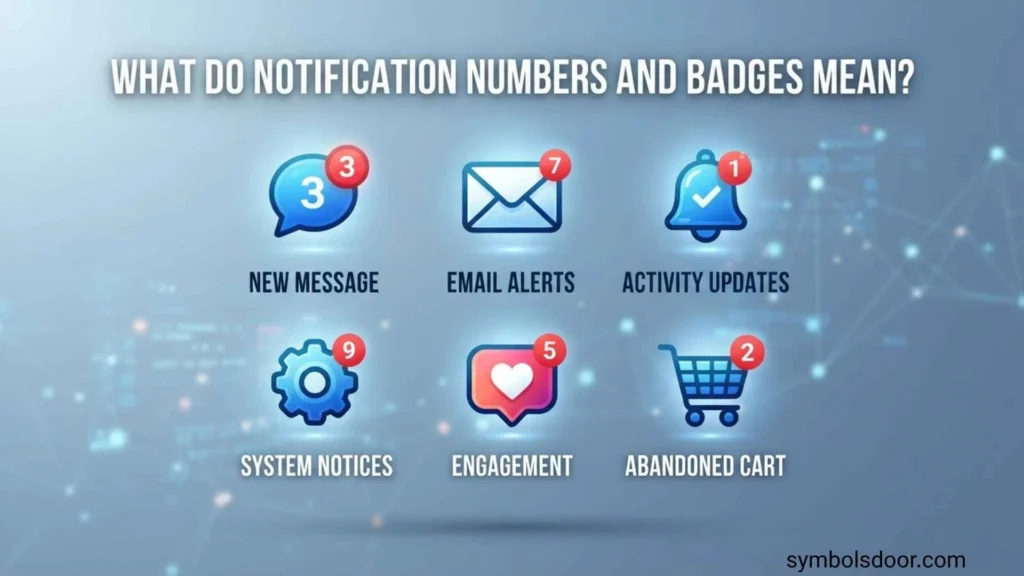
A number badge is another important type of notification symbol.
Number Beside an App Icon
A number displayed on an app icon generally represents unread or pending activity.
For example:
- 1 may mean one unread item
- 5 may indicate five notifications
- 20 may represent multiple pending activities
- 99+ generally means the number has exceeded the maximum displayed value
The number does not always represent messages alone. Depending on the app, it could include likes, follows, comments, matches, or other notifications.
Why Does a Notification Badge Remain?
A badge may remain because:
- Another notification is still unread
- A separate notification category has not been opened
- The app has not synchronized yet
- The operating system has not refreshed the badge
- Multiple accounts or notification categories are involved
Opening the app does not always clear every notification badge automatically.
Common Social Media and Dating App Symbol Categories
Understanding the category of a symbol can make its meaning easier to determine.
Message Symbols
Message-related symbols usually include:
- Speech bubbles
- Envelopes
- Check marks
- Double checks
- Typing dots
- Camera icons
- Video icons
These normally relate to communication.
Engagement Symbols
Engagement symbols include:
- Hearts
- Thumbs-up icons
- Reaction icons
- Comment bubbles
- Share arrows
- Bookmark icons
They generally represent interactions with content.
Dating Interaction Symbols
Dating apps may use:
- Hearts
- Stars
- Flames
- Lightning bolts
- Match badges
- Special like icons
These can represent interest, matching, popularity, or premium interactions.
Account and Connection Symbols
These include:
- Person icons
- Follow symbols
- Friend icons
- Group icons
- Profile badges
They generally relate to relationships between accounts.
Does a Notification Symbol Mean Someone Is Online?
Not necessarily.
An unread notification only means that some activity has occurred. It does not prove that the person responsible for the activity is currently online.
An app may separately display an activity indicator, such as a green dot, to show online or recent activity.
Can Someone Hide Their Online Status?
Some applications allow users to control whether other people can see their activity status.
As a result, the absence of an online indicator does not necessarily prove that someone is offline.
Likewise, an active indicator may not always represent the exact moment a person is interacting with the app.
Does a Check Mark Mean Someone Read Your Message?
Not always.
A check mark can represent different message states depending on the platform.
A typical messaging system may distinguish between:
- Sent — the message left your device.
- Delivered — the message reached the recipient.
- Read or seen — the recipient opened or viewed it.
Some apps combine these states or use different colors and icons.
Why Read Receipts Can Be Confusing
Read receipts may be affected by:
- Privacy settings
- Internet connection
- Notification previews
- App behavior
- Group chats
- Message types
- Platform-specific rules
Therefore, a missing read indicator should not automatically be interpreted as someone intentionally ignoring a message.
How to Identify an Unknown Notification Symbol
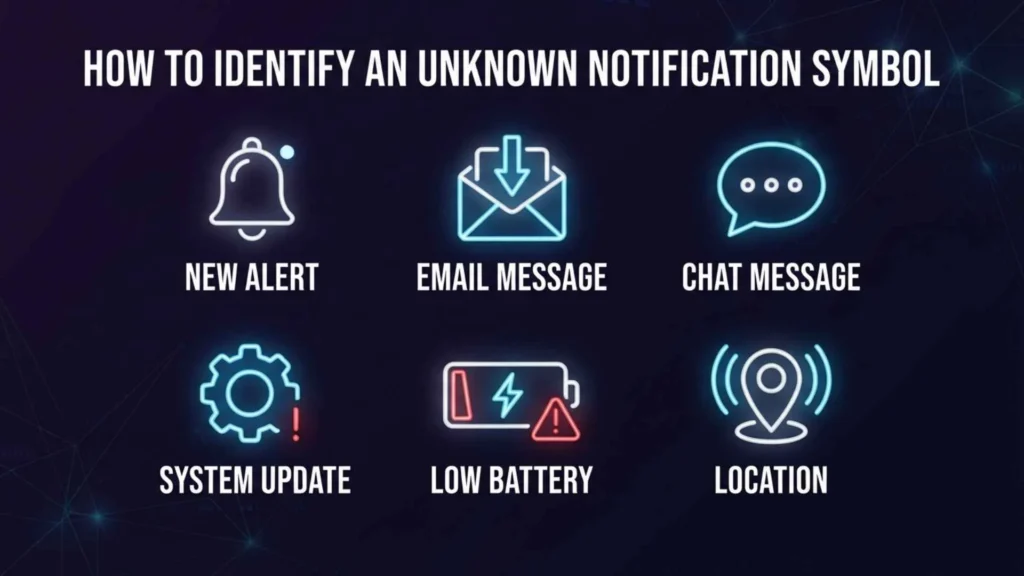
When you see an unfamiliar symbol, there are several ways to determine what it means.
Check Where the Symbol Appears
The location is one of the strongest clues.
A symbol beside a message is likely related to message status, while a symbol beside a profile may relate to account activity or a dating interaction.
Look at the Symbol’s Color
Color can help distinguish between states.
For example, red may indicate something new, while green may indicate activity.
But color alone is not enough because different applications use different color systems.
Look for a Number or Text
A symbol accompanied by a number, word, or timestamp provides additional context.
For example, a heart with a number may represent likes, while a message bubble with a number may represent unread chats.
Open the Relevant Notification Area
If you are unsure, open the section where the symbol appears.
The app may provide additional information or reveal which activity caused the notification.
Check the App’s Help Documentation
For an exact interpretation, the application’s official help center is usually the best source.
This is particularly important after an app redesign or software update because icons and notification behavior can change.
Notification Symbols Can Change After App Updates
App interfaces are regularly redesigned.
An update can change:
- Icon designs
- Icon colors
- Notification behavior
- Message status indicators
- Activity indicators
- Dating features
- Premium symbols
Therefore, an icon that meant one thing several months ago may look different today.
When an unfamiliar symbol suddenly appears after an update, check the application’s current documentation rather than relying on an old screenshot or outdated explanation.
Notification Symbols and Privacy
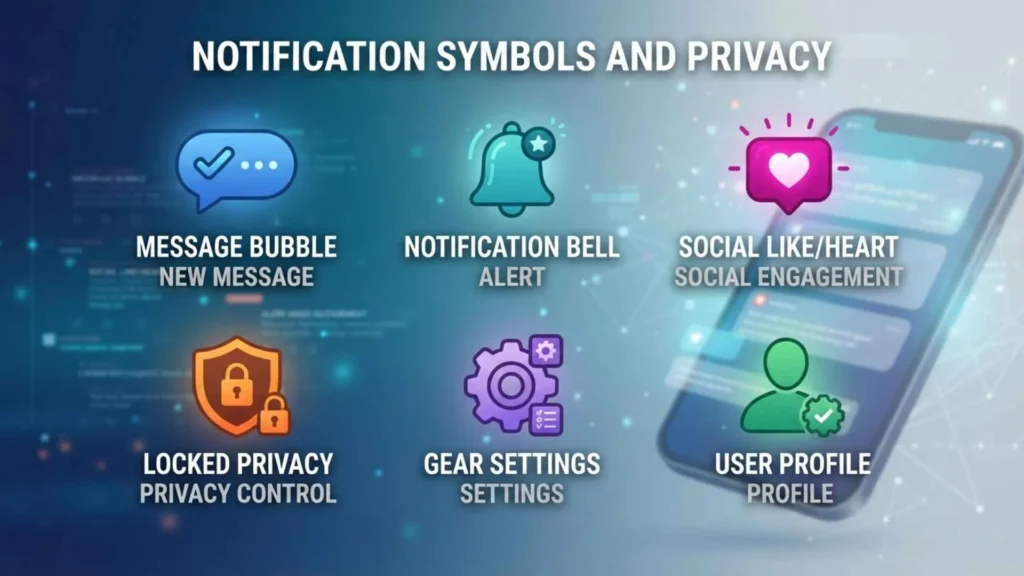
Some notification indicators depend on privacy settings.
Read Receipts
If read receipts are disabled, other users may not see whether you opened their messages.
The exact behavior depends on the app.
Activity Status
Activity-status settings can determine whether other people can see when you are online or recently active.
Notification Previews
Your phone’s notification settings may show message previews without opening the application itself.
This can affect what appears as “read,” “seen,” or unread activity depending on the app.
Blocking and Restricted Accounts
Blocking, restricting, muting, or removing an account can also change which notifications or interaction indicators are visible.
Do not assume that a missing symbol always means that a person performed a particular action.
Social Media vs Chat vs Dating App Symbols
The same icon can serve different purposes in different environments.
| Symbol Type | Social Media | Chat Apps | Dating Apps |
| Heart | Like/reaction | Reaction | Like/interest |
| Bell | Notifications | Notifications | Matches/activity |
| Message bubble | Direct messages | Chat | Match messages |
| Check mark | Action/status | Message status | Message status |
| Star | Favorite | Favorite/special feature | Special interaction |
| Red dot | Unread activity | Unread chat | New match/activity |
| Green dot | Active status | Online status | Active status on some apps |
| Person icon | Followers/profile | Contact | Profile |
| Camera | Content/photo | Photo message | Profile/chat photo |
| Video icon | Video content | Video call | Video chat |
This comparison shows why you should never interpret a symbol without considering the application and context.
Frequently Asked Questions
What do social media notification symbols mean?
Social media notification symbols are icons, dots, badges, and other indicators that show account activity such as likes, comments, followers, mentions, messages, and alerts.
What does a heart symbol mean on a dating app?
A heart commonly means that someone liked or expressed interest in a profile. However, the exact meaning depends on the dating platform.
What does a red dot mean on a social media app?
A red dot usually indicates new or unread activity. It may represent a message, like, comment, follower, match, or another notification.
What does a green dot mean on a chat app?
A green dot often indicates that a user is active or online. However, some applications use green indicators differently, and activity status may be controlled through privacy settings.
What do two check marks mean in chat?
Two check marks often indicate that a message was delivered, although some applications use a different check-mark appearance to indicate that a message was read.
Does a check mark mean my message was read?
Not necessarily. A check mark may mean sent or delivered. You need to know the specific app’s message-status system to determine whether it represents a read message.
What does a star mean on a dating app?
A star can indicate a favorite, special like, premium interaction, highlighted profile, or another dating feature. Its meaning varies by platform.
What does a flame symbol mean on a dating app?
A flame may represent attraction, popularity, activity, or a special dating feature. It does not have one universal meaning across all dating apps.
What does the bell symbol mean?
A bell usually opens the notification center. It can contain likes, comments, messages, follows, mentions, matches, and account alerts.
What does a message bubble symbol mean?
A speech or message bubble generally represents direct messages, chats, or conversations.
What does an @ symbol mean in social media notifications?
An @ symbol commonly indicates that someone mentioned your username in a post, comment, story, reply, group, or conversation.
What does 99+ mean on an app notification?
A 99+ badge generally means that there are more notifications than the app displays individually. It can include messages, likes, comments, matches, or other activity.
Why did a notification symbol disappear?
It may disappear after you open the notification, read a message, view an interaction, clear notifications, or synchronize the application.
Can two apps use the same symbol for different things?
Yes. There is no universal standard requiring every social media, chat, or dating app to assign the same meaning to an icon.
Can an app change the meaning of its notification symbols?
Yes. App updates can introduce new icons, redesign existing symbols, or change how notification and status indicators work.
Can notification symbols tell me if someone is ignoring my message?
No. Notification symbols generally cannot tell you why someone has not responded. A message may be unread, delivered but unopened, affected by privacy settings, or simply unanswered.
Conclusion
Understanding social media chat dating app notification symbols can make social networks, messaging services, and dating platforms much easier to use. Hearts, stars, bells, message bubbles, check marks, dots, badges, flames, and other icons provide quick information about messages, likes, matches, followers, activity, and account notifications.
The most important rule is that symbol meanings are not universal. A heart may mean a like, favorite, or dating interest. A check mark may indicate that a message was sent or delivered, while another indicator may show that it was read. A green dot may indicate activity on one platform but have a different function elsewhere.
When you encounter an unfamiliar notification icon, look at its location, color, surrounding text, and the feature where it appears. If you still cannot identify it, check the application’s current help documentation because app designs and symbol meanings can change over time.

Hi, I’m Asher Monroe, a writer who believes that meaningful words have the power to inspire change and bring people closer to their dreams. I have always been fascinated by the beauty of quotes and the way a simple message can provide motivation, hope, and comfort.
I enjoy creating content around inspirational quotes, life lessons, success stories, and positive thoughts that help readers find encouragement in their everyday lives. My goal is to share words that connect with people and remind them of their inner strength.
Through my writing, I explore the ideas of personal growth, confidence, and the importance of staying inspired through every chapter of life.
I am the author of Words That Move the Soul and The Path of Endless Inspiration, two books focused on the power of wisdom, positivity, and meaningful thoughts.
 Sienna Brooks
 Rowan Sinclair Rowan Sinclair